
Tips for Organizing a Clutter-Free Home Office Space

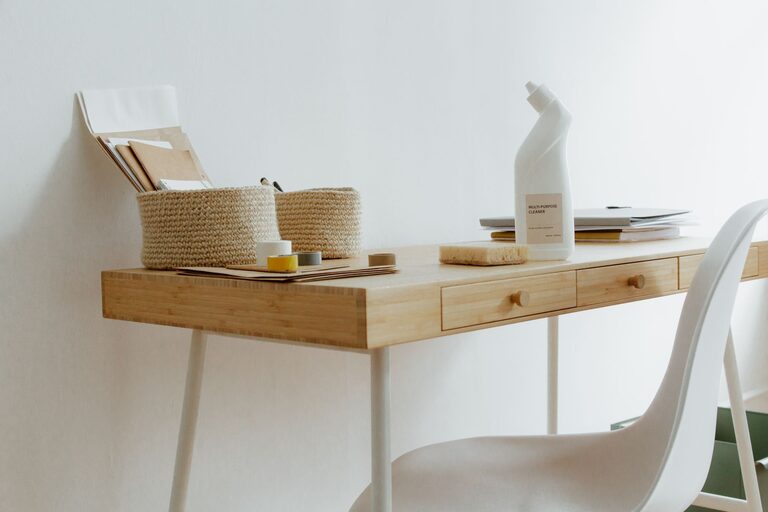
Creating a clutter-free home office can significantly boost your productivity and make working from home more enjoyable. A neat workspace helps reduce distractions, makes it easier to find what you need, and contributes to a calm, focused mindset. Whether you have a dedicated room or a small corner, organizing your home office doesn’t have to be overwhelming. Here are some practical tips to help you create an organized and inviting workspace.
Why a Clutter-Free Home Office Matters
Your environment directly affects your work habits. A cluttered desk or disorganized space can cause stress, reduce efficiency, and even make it harder to be creative. On the other hand, a clean and orderly home office allows you to concentrate, improves time management, and sets a professional tone for virtual meetings. Taking a little time to organize your workspace can pay off in better work performance and overall well-being.
Step 1: Choose the Right Location
If possible, designate a specific space for your home office. This space should be quiet, well-lit, and free from distractions. Having a clear boundary between your work area and living space helps maintain focus and sets a routine for both work and downtime.
– Pick a corner or room with natural light.
– Ensure you have easy access to power outlets.
– If space is limited, use room dividers or shelves to visually separate your work zone.
Step 2: Declutter Your Desk
Start by clearing everything off your desk. Sort items into piles: keep, relocate, or discard. This helps you decide what is essential and what creates unnecessary clutter.
– Only keep frequently used items on your desk.
– Store away supplies or reference materials that you use less often.
– Use trays or small containers to keep pens, paperclips, and sticky notes organized.
Step 3: Streamline Your Paperwork
Paper clutter is one of the biggest challenges in a home office. Here are some ways to manage documents efficiently:
– Go digital where possible by scanning important papers.
– Use labeled folders or file organizers to separate bills, invoices, and personal documents.
– Regularly review and shred outdated papers to prevent buildup.
– Consider a wall file rack or a filing cabinet to keep papers off your desktop.
Step 4: Maximize Storage Solutions
Good storage helps keep your workspace clear. Think vertically and use space-saving options:
– Install shelves above your desk for books and supplies.
– Use drawer organizers to separate different items.
– Employ storage bins and boxes for seasonal or rarely used materials.
– Use hooks or pegboards to hang headphones, cables, or tools.
Step 5: Manage Your Cables and Electronics
Cables and chargers can make a desk look messy quickly. Managing them properly keeps your area looking neat:
– Use cable clips or ties to bundle cords.
– Label cables to quickly identify which device they belong to.
– Keep chargers in a specific box or drawer.
– Unplug electronics when not in use to prevent tangled cords and save energy.
Step 6: Establish Daily Habits to Maintain Order
Organization isn’t a one-time task—it requires regular attention. Create simple daily habits to keep your home office clutter-free:
– Spend 5 minutes at the end of each day tidying your desk.
– Put items back in their designated place after use.
– Immediately throw away or file papers to avoid piles.
– Review your supplies monthly and discard what you don’t need.
Step 7: Personalize Without Overcrowding
A few personal touches can make your home office feel welcoming and inspiring, but avoid going overboard:
– Add a small plant or flowers for a fresh look.
– Display a favorite photo or artwork.
– Use a stylish lamp or desk accessory that matches your style.
– Keep decorations minimal to maintain a distraction-free environment.
Step 8: Optimize Lighting and Ergonomics
Good lighting and posture support your comfort and productivity:
– Position your desk near a window if possible to benefit from natural light.
– Use a desk lamp with adjustable brightness for late work hours.
– Invest in a supportive chair to reduce fatigue.
– Arrange your monitor at eye level and keep your keyboard and mouse within easy reach.
Final Thoughts
Organizing a clutter-free home office is a rewarding process that enhances your work experience. By choosing the right location, managing paperwork and supplies, and adopting daily habits to maintain order, you can create a space where productivity thrives. Remember, the goal is to design a workspace that supports your work style and feels comfortable. Start small, stay consistent, and enjoy the benefits of a clean, organized home office.